
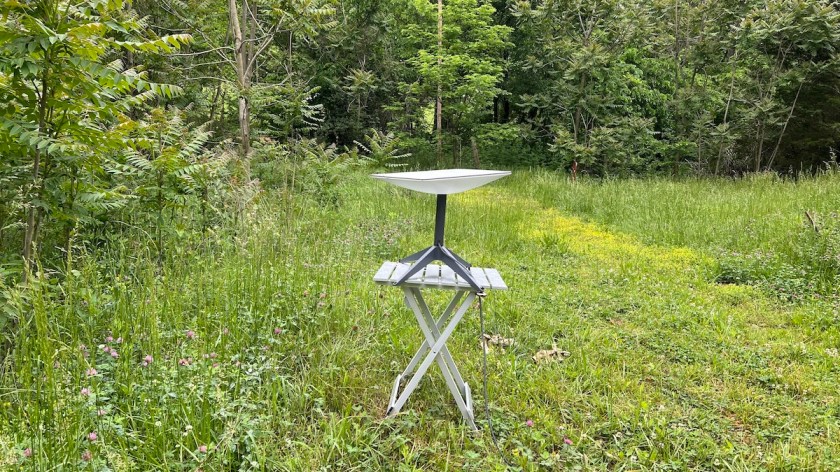
There’s a new feature in the latest version of the Starlink app (2024.14.0). If you go into Settings, Starlink, a new Tilt menu is available. Opening this gives you two options. Automatic is the default mode, where the dish automatically aims itself in the direction it thinks it will get the best reception, generally to the north. There is also a new Flat option.

Starlink intends this feature to help you use it while in motion. A flat dish presents the smallest aerodynamic profile, which is just a fancy way of saying it’s less likely to blow off your roof while you drive. However, I have another use in mind. Both up on the hill and down here in the driveway, Starlink has been aiming itself directly at tall trees instead of toward a clear sky. It knows its location thanks to GPS, and it knows where the satellites are, but it has no way to detect the surrounding terrain or obstructions until it starts having connection problems.
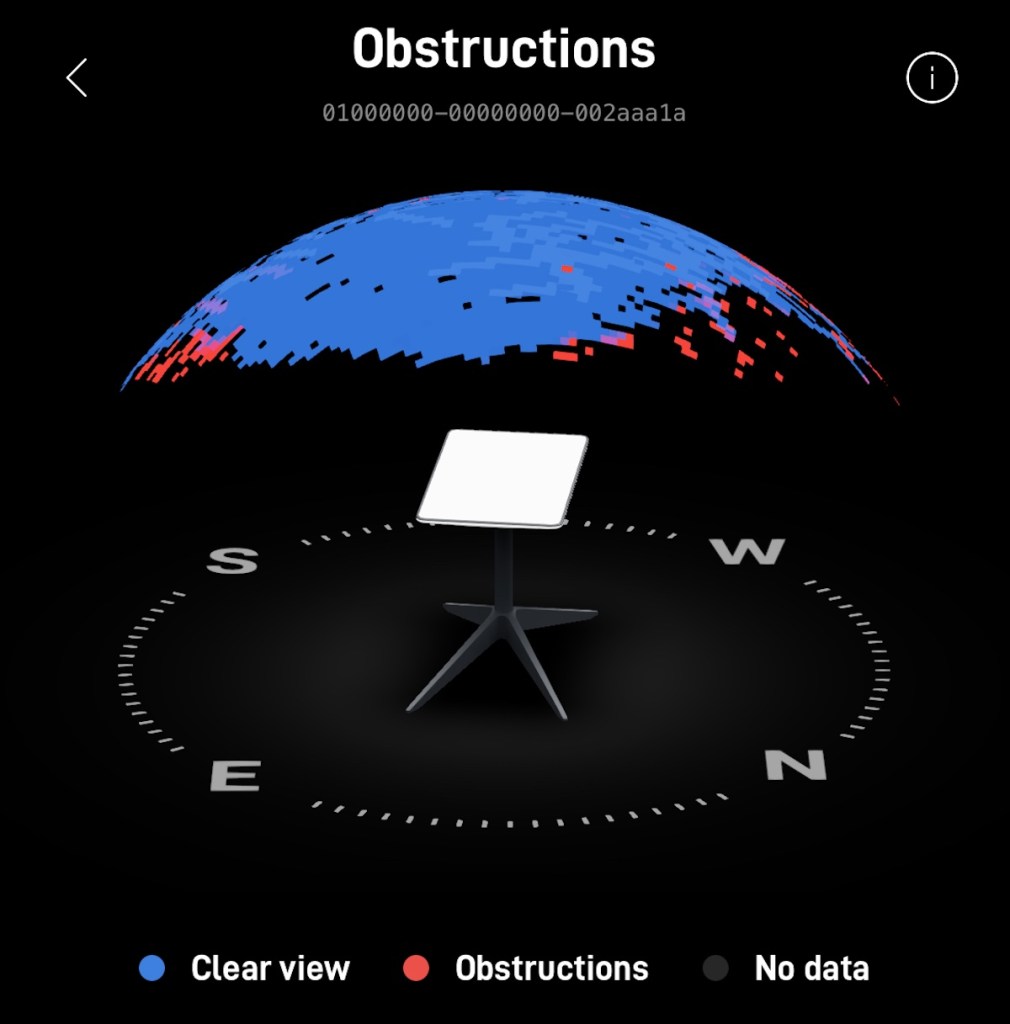
Because I have eyes, I can see that the dish is aiming itself toward trees, and that it has a clear sky straight overhead in the clearing I’ve set it up in. So I’ve set it to go flat, forcing it to aim straight up toward a more clear sky. So far, it seems to be working more reliably. While it still occasionally loses signal to obstructions, it’s less often and for not as long as it was before. I haven’t used it long enough yet to say for sure how much it helps, but I’ll test it both ways and write a full article about how it goes.
Of course, your results may vary. You’re not parked where I am, and every location and situation is different. However, it’s nice to have the option to tell the dish to point straight up if you need it. Even if you never use it while in motion, it’s an alternative to automatically pointing straight toward trees, which in certain locations was the only option until now.


don’t like robots they’re no help. I don’t have the tilt option on my app. How do I update that?
LikeLike
The same way you update any other app. Through the App Store on an iPhone or Google Play on an Android.
LikeLike
They giveth and they taketh away.
LikeLike
What do you mean? Did they remove this feature from the app already?
LikeLike